Visual result
How often the generated clip looks clean enough to keep after a normal review pass, including motion, prompt fit and visible artifacts.
AI video tool shortlist
Use this comparison like a software shelf: scan the strongest AI video tools, check where the free plan is actually useful, and pick the workflow that fits your next clip.
Scoring model
A good AI video tool should do more than produce a flashy demo. The score weighs first-draft quality, workflow speed, editing control, free-plan usefulness and paid value.
How often the generated clip looks clean enough to keep after a normal review pass, including motion, prompt fit and visible artifacts.
How quickly a user can move from idea or script to a first editable draft without excessive setup or prompt repair.
Whether free access is enough to judge the product honestly, including credits, exports, watermark limits and account friction.
Whether paid plans unlock meaningful output quality, export options and production efficiency rather than just removing blockers.
How well the platform handles captions, scripts, voices and campaigns that need to work beyond a single English video.
Store ranking
The ranking favors tools that turn a real brief into a usable result without hiding the important tradeoffs: credits, watermark rules, export quality, editing depth and commercial-use clarity.
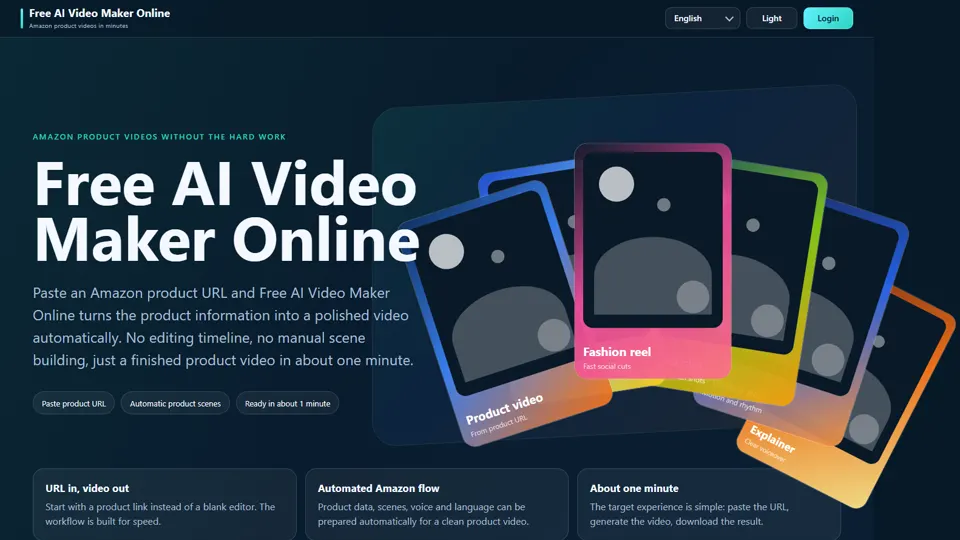
A direct prompt-to-video starting point for fast drafts, website clips and practical marketing visuals.
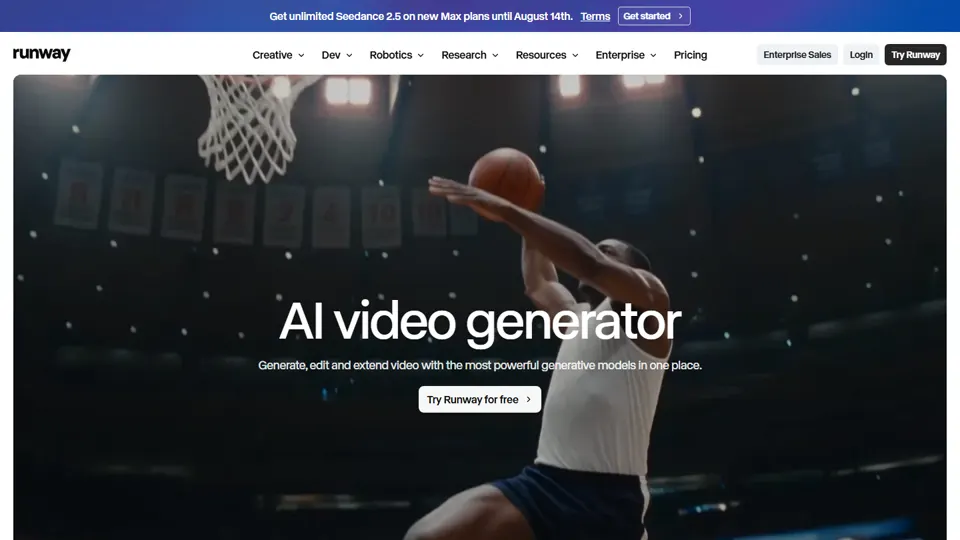
A powerful creative suite for users who are willing to iterate prompts and references for cinematic output.
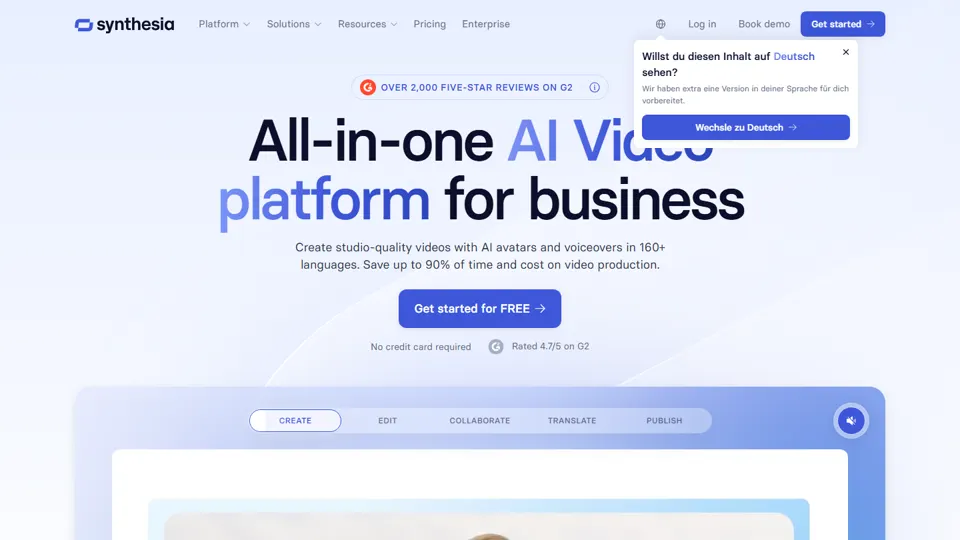
A structured avatar platform for repeatable presenter-led training, onboarding and internal communication.
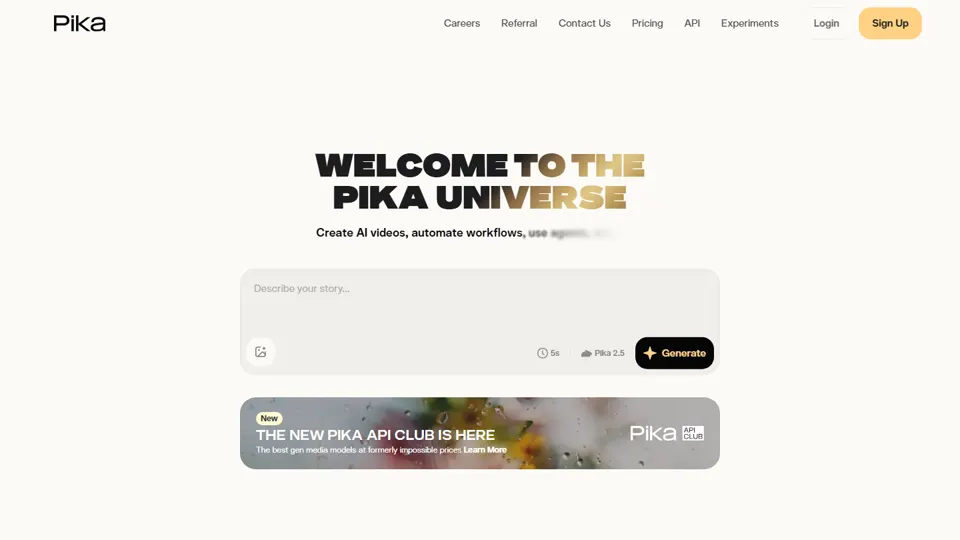
A playful generator for short creative clips, image animation and quick idea exploration.
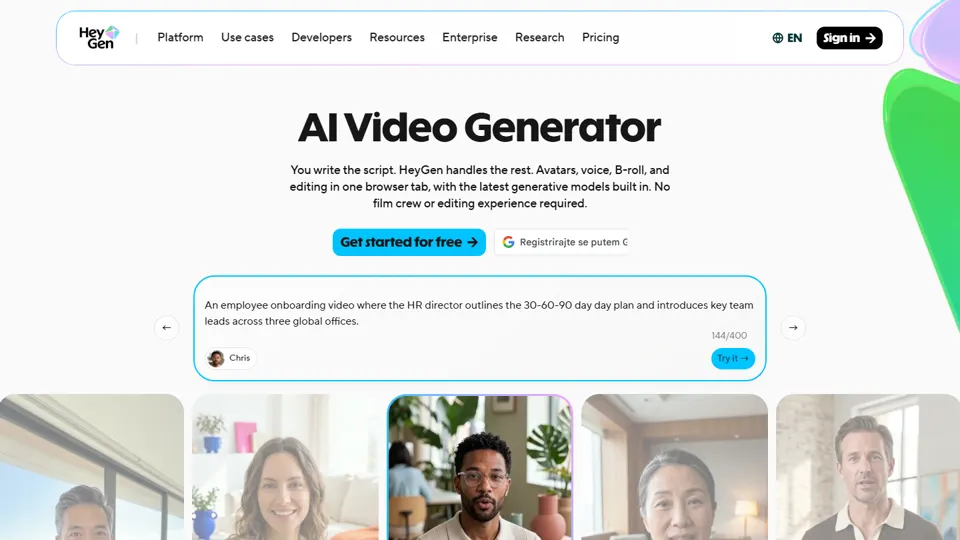
A polished talking-head option for outreach, support updates and localized presenter videos.
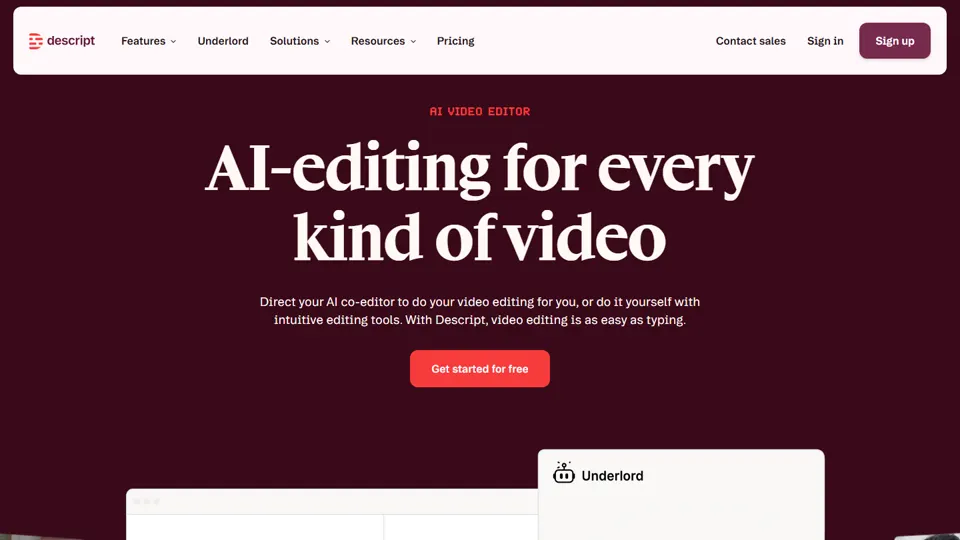
An editor-first workspace for turning existing recordings into cleaner clips with AI help.
A template-led design workflow for teams that already create brand assets in Canva.
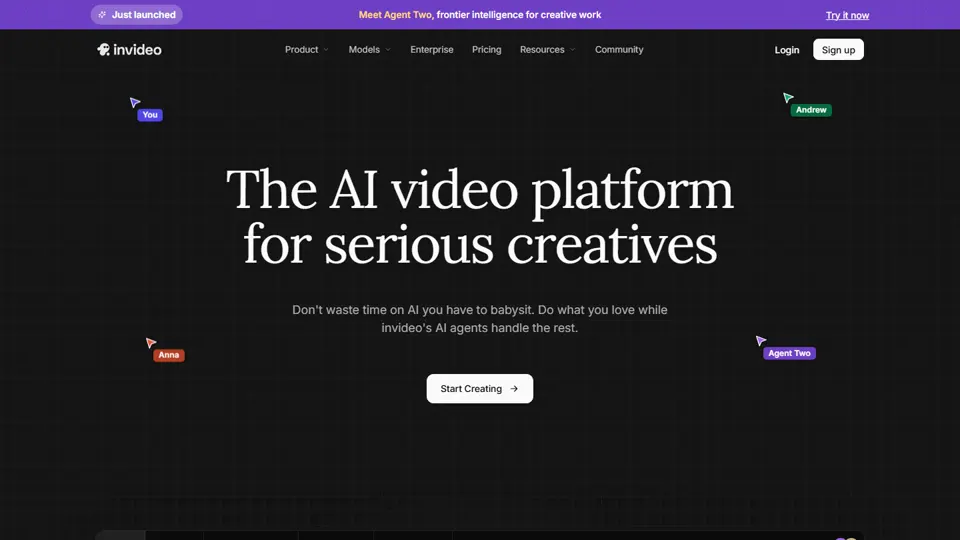
A guided creation flow for turning briefs, scripts and topics into structured marketing drafts.
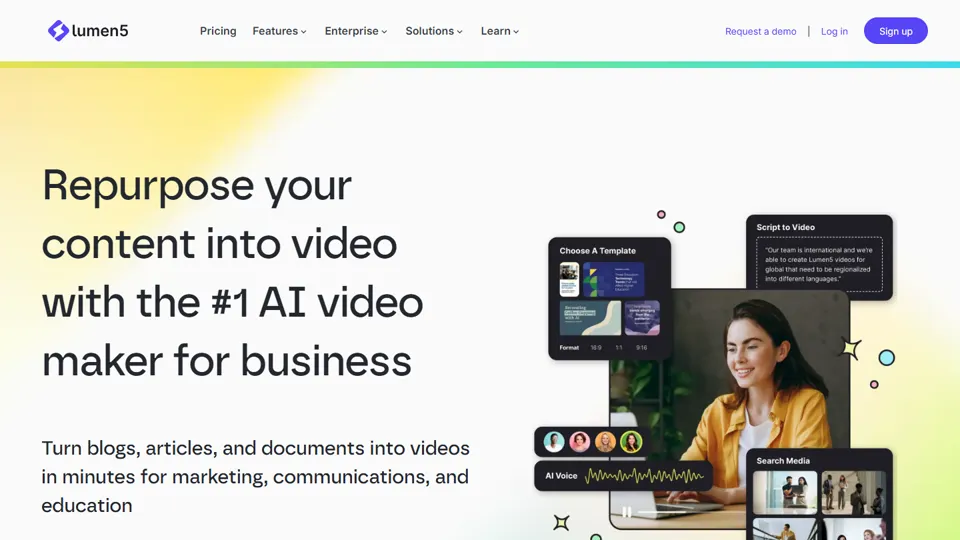
A reliable option for turning articles, blog posts and existing copy into simple branded videos.
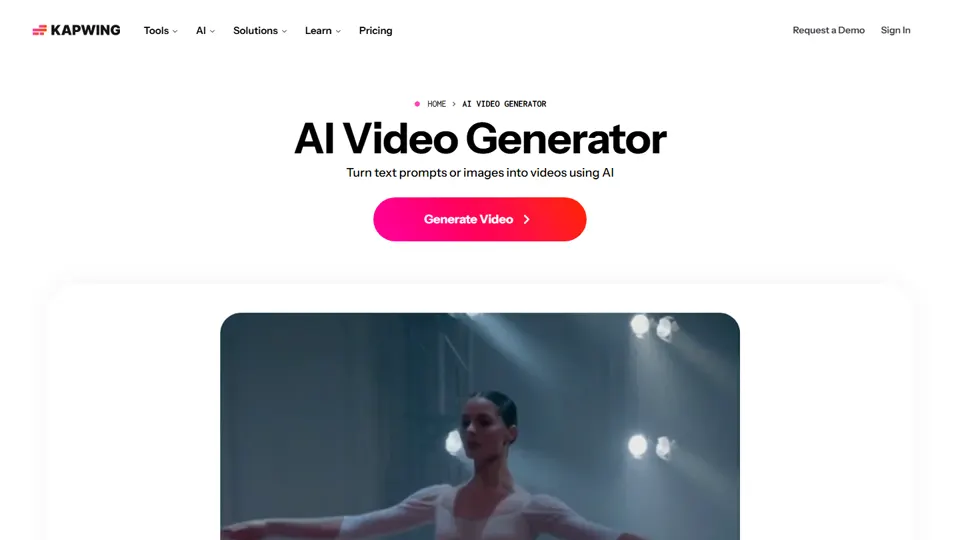
A browser editor with AI helpers for quick collaborative video production and format cleanup.
A generative video workspace for cinematic clips, image-to-video prompts and fast visual concept tests.
A capable generator for realistic motion, dynamic scenes and demanding prompt tests.
Quick filter
| Tool | Score | Main strength | Free access | Best match |
|---|---|---|---|---|
| Free AI Video Maker Online | 9.3 | Fast first drafts | Free entry available | Best quick-start pick |
| Runway | 8.8 | Cinematic AI clips | Limited free testing | Best creative lab |
| Synthesia | 8.5 | Avatar and training videos | Business plans | Best for structured training |
| Pika | 8.3 | Creative short clips | Free trial limits | Best for concept clips |
| HeyGen | 8.1 | Talking-head videos | Free preview, paid exports | Best for presenter outreach |
| Descript | 7.9 | Editing spoken content | Free tier available | Best for repurposing recordings |
| Canva AI Video | 7.7 | Template-based videos | Useful free plan | Best for branded templates |
| InVideo AI | 7.5 | Scripted marketing videos | Free plan with limits | Best for marketing drafts |
| Lumen5 | 7.3 | Article-to-video workflows | Free preview options | Best for content repurposing |
| Kapwing AI | 7.1 | Collaborative online editing | Free plan with watermark limits | Best for browser editing |
| Luma Dream Machine | 7.0 | Cinematic prompt-to-video clips | Free trial options | Best physics feel |
| Kling AI | 6.9 | Realistic motion tests | Credit-based access | Best motion realism |
Hands-on notes
Open the individual Pretty URL reviews for the full notes on each tool.
Recommended start
For website clips, social posts and lightweight marketing videos, start with a simple prompt workflow, then move to specialist tools only when the project needs deeper control.
FAQ
Use the same short brief in every tool: a product clip, short ad, explainer or social post. Compare the number of steps, the draft quality and the export limits.
It can be enough for learning, prototypes and low-risk social content. For client or brand work, check resolution, watermarks, usage rights and commercial terms before publishing.
Choose text-to-video for new visual ideas, avatar video for presenter-led communication, and an AI editor when you already have recordings that need to be cut, captioned or resized.
AI video tools often look similar in demos but differ sharply once credits, export quality and paid limits appear. Upgrade value separates useful software from expensive test drives.